
Issuing logins to learners
If learners are onboarded via CSV
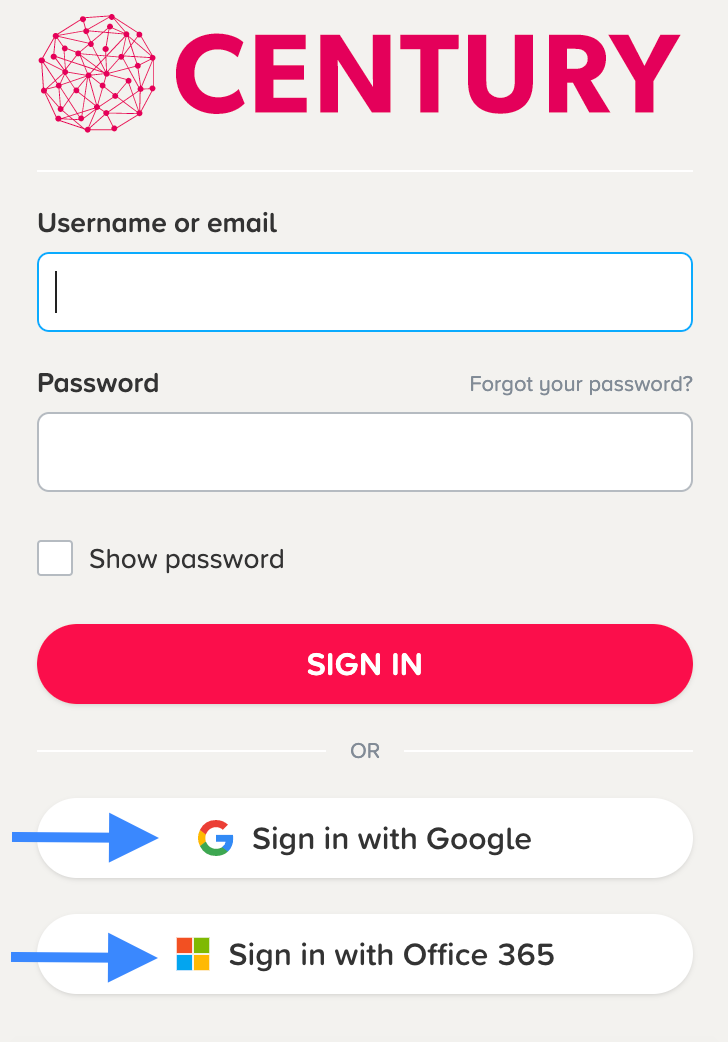
Once you have successfully onboarded your learners via the assessment cohort CSV, you will need to distribute your CENTURY logins. If onboarded using a college email address, learners should be able to login via Single Sign-On (SSO) for Google or Office 365 and will therefore not need a CENTURY password.
If you wish to issue learners with a password, please provide them in the ‘passwords’ column (minimum 8 characters) on the assessment cohort CSV template . If left blank, CENTURY will randomly generate a password for each learner.
If you need to reset a learner’s password, please visit this help page for more details.
If learners are onboarded via Class Code
Where learners will use Class Code to access their assessment(s), staff will need to generate and distribute the code prior to them logging in or creating an account. More information on the Class Code process can be found here .