
TABLE OF CONTENTS
To log in to CENTURY, please visit app.century.tech/login .
Username and password
In most cases, your username will be your organisation email address. If you have forgotten your password, please click 'Forgot your password?' on the login page, and follow the instructions.
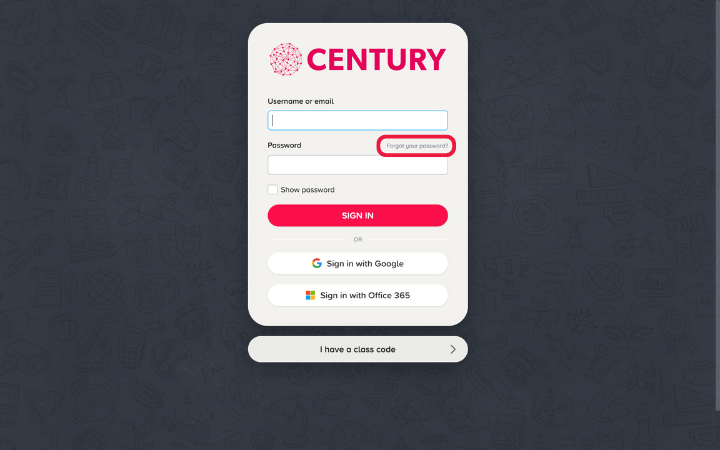
If you are still unable to change your password, get in touch with your Account Manager who will be able to update it for you.
Otherwise, please email support@century.tech with your full name, organisation name and organisation email address. We will get back to you with confirmation of your username.
Single sign-on (SSO)
Single sign-on (SSO) enables users to log in to CENTURY using the same login as their Google or Microsoft (Teams) account.
The GIF below illustrates how simple it is to sign in with SSO. The steps shown are the same for both Google and Microsoft logins.
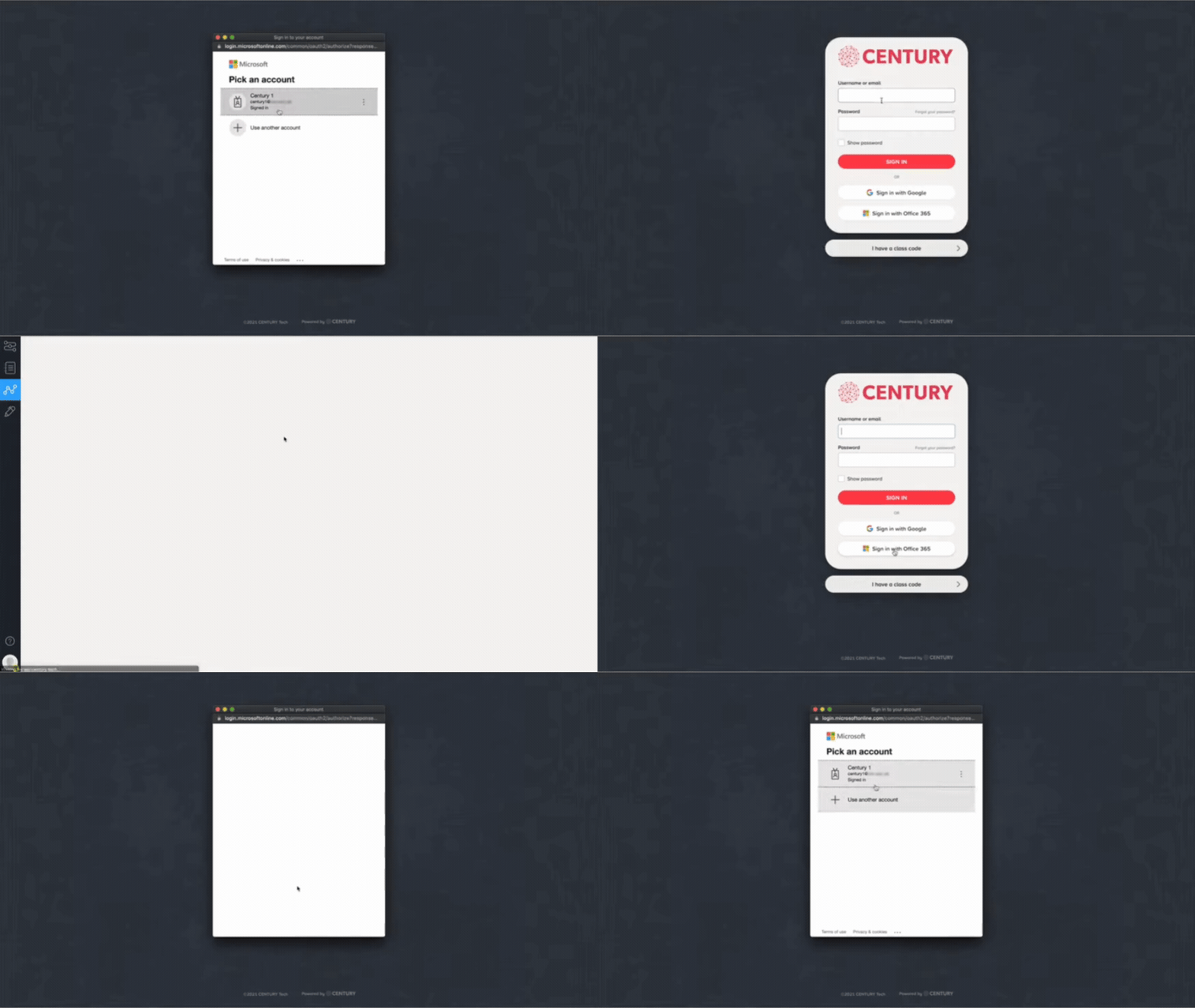
SSO is very helpful as it means students don't need to remember separate passwords, nor would teachers need to manage their distribution.
The set-up is very simple to organise, but please reach out to your Account Manager or support@century.tech if you have any further questions.