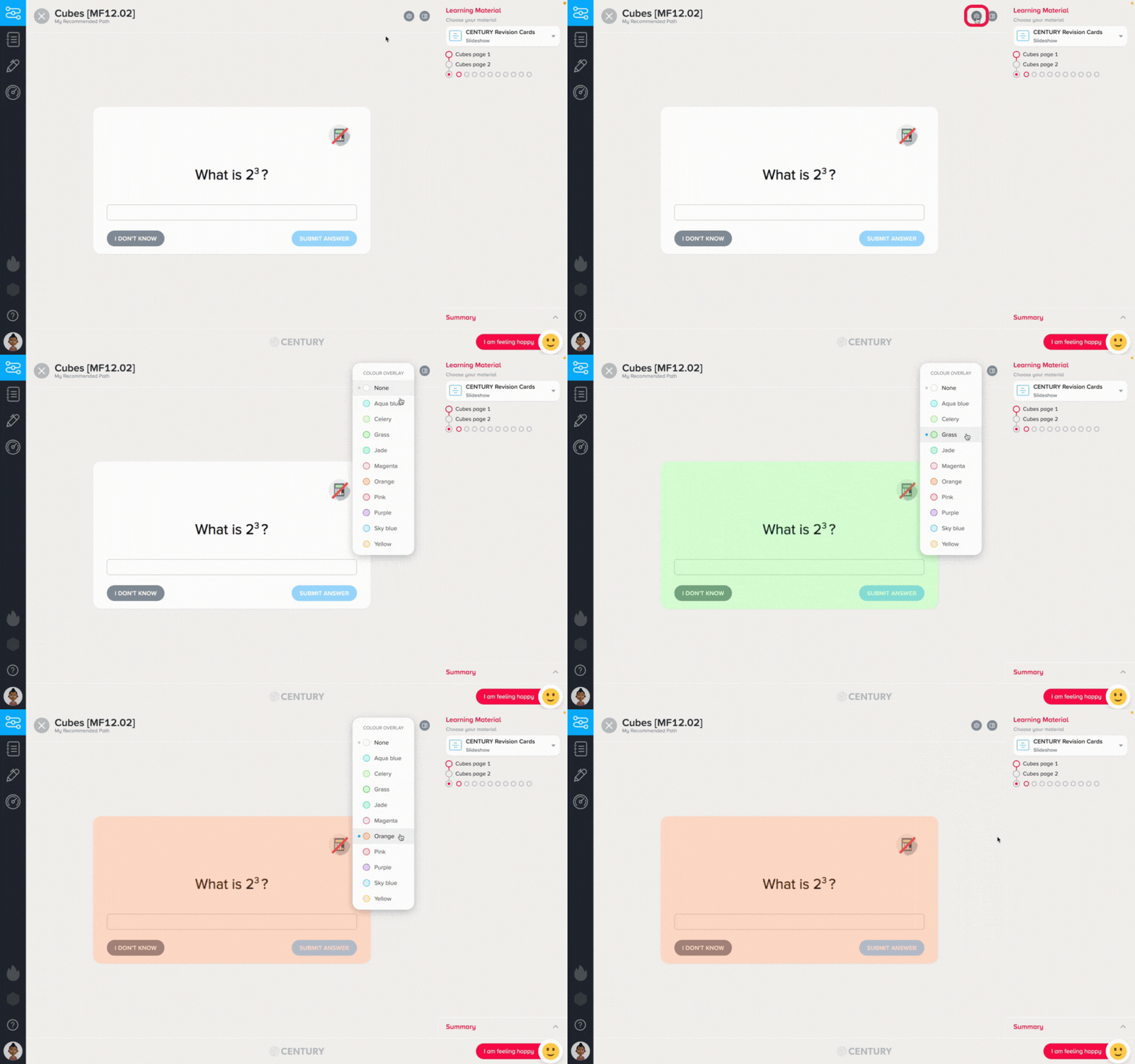
You can change the background colour of the learning material and assessments on CENTURY. This can be especially helpful for students with dyslexia.
To do this, click on the Settings button on the top right corner of the nugget, then select your preferred colour. It will be applied automatically.
CENTURY will then remember your preference.