
The Guardian Portal allows parents / guardians to access CENTURY’s Guardian Dashboard , which enables you to see your child’s performance across the courses they study as well as any assignments completed on CENTURY.
By clicking on the accelerometer icon in the top left of the page, you can view your child's Dashboard. If you have more than one child, click the avatar of the child you wish to view.
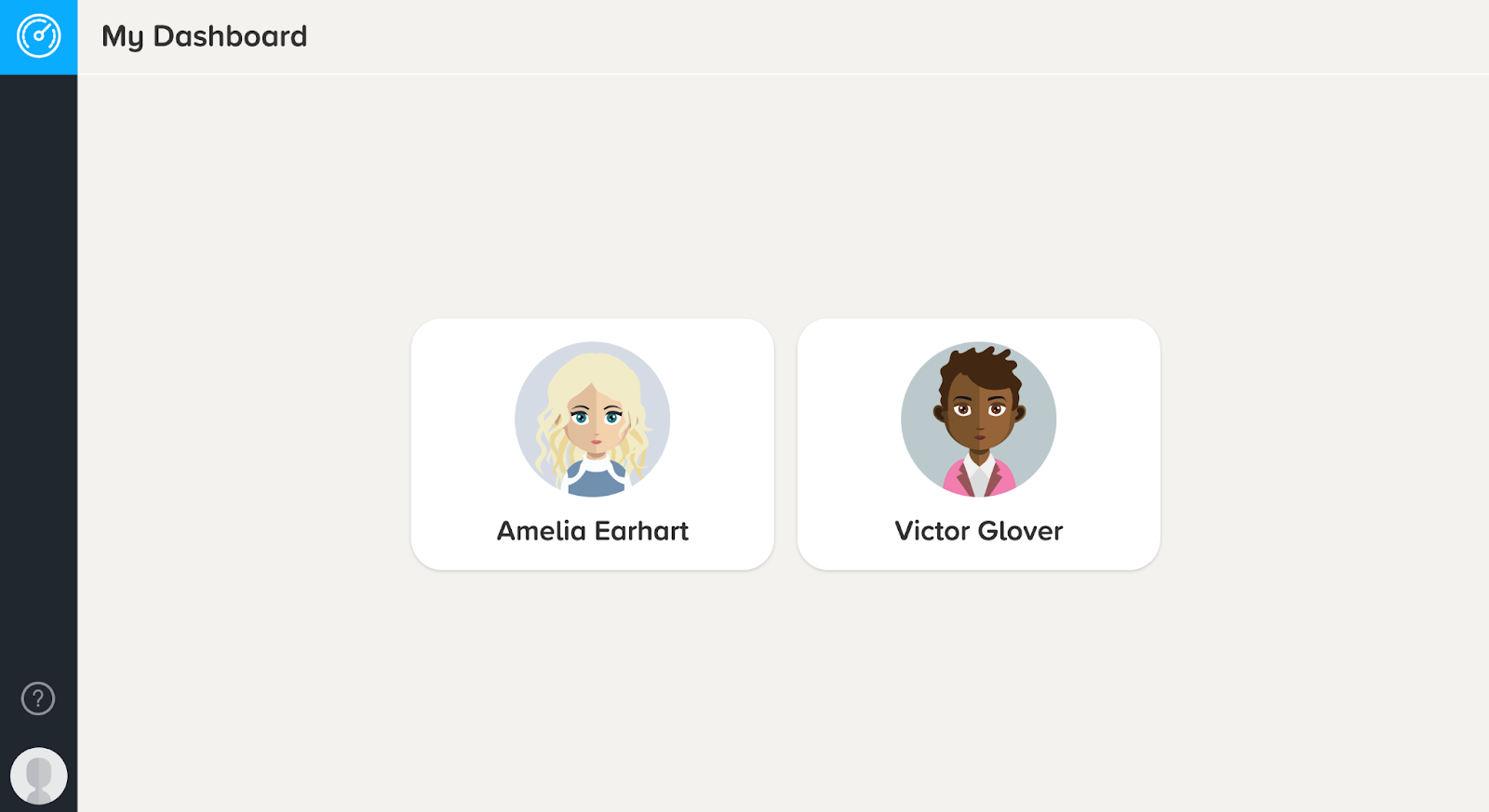
To find out how to use the Guardian Dashboard, click here.
Note: To sign up for access to the Guardian Portal, or if you have any issues, please get in touch with your school for assistance.