
If you are a trainee, the Fundamentals Assessments can be completed by following these instructions:
Sitting the Assessment
-
Log in to app.century.tech
-
The English and Maths Fundamentals Assessments will appear in the Recommended Path on your homepage.
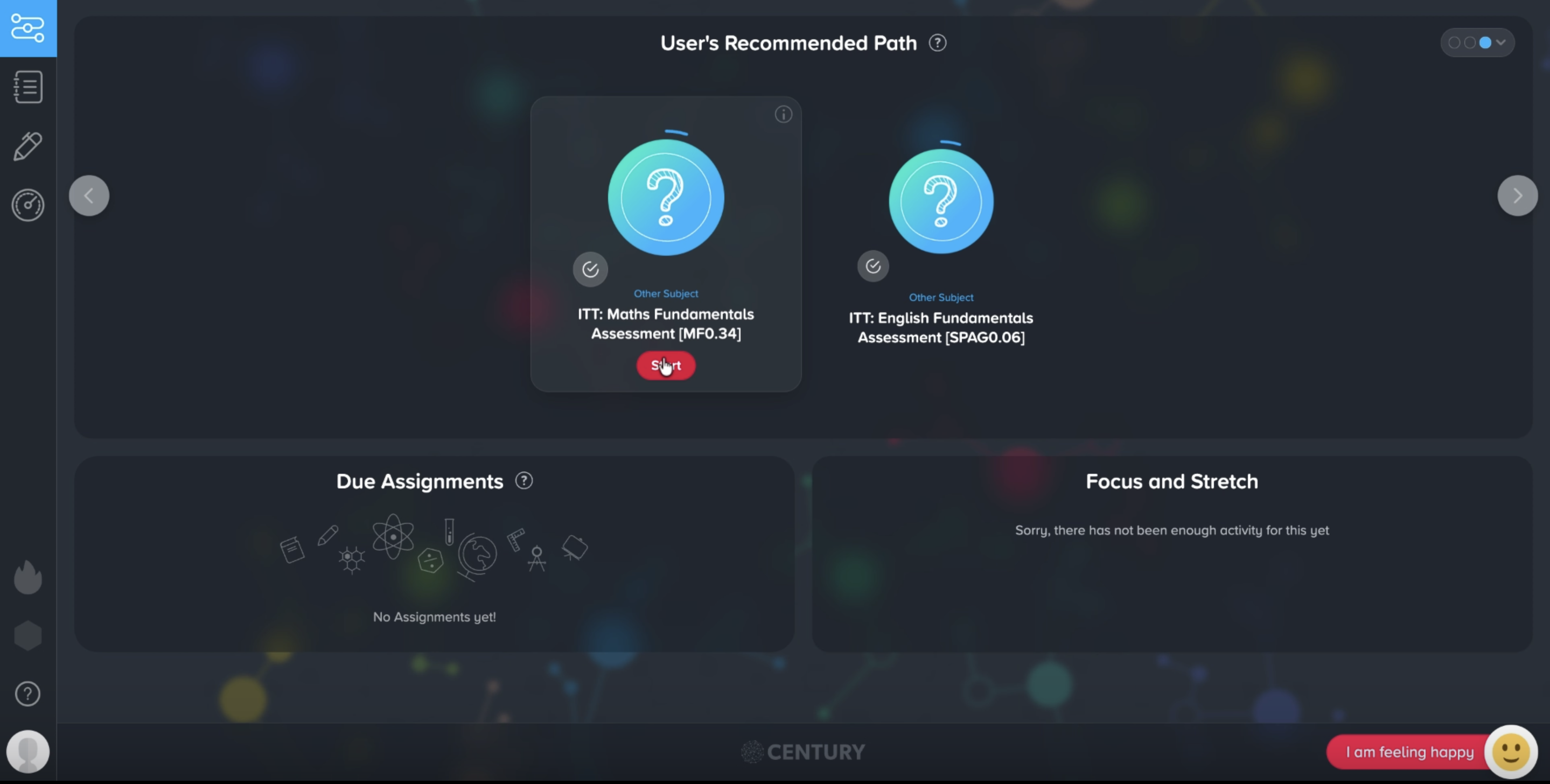
Note: If you’d like to only view the assessments without other learning nuggets in your Recommended Path, click on the Filter button and select ‘Other subjects’.
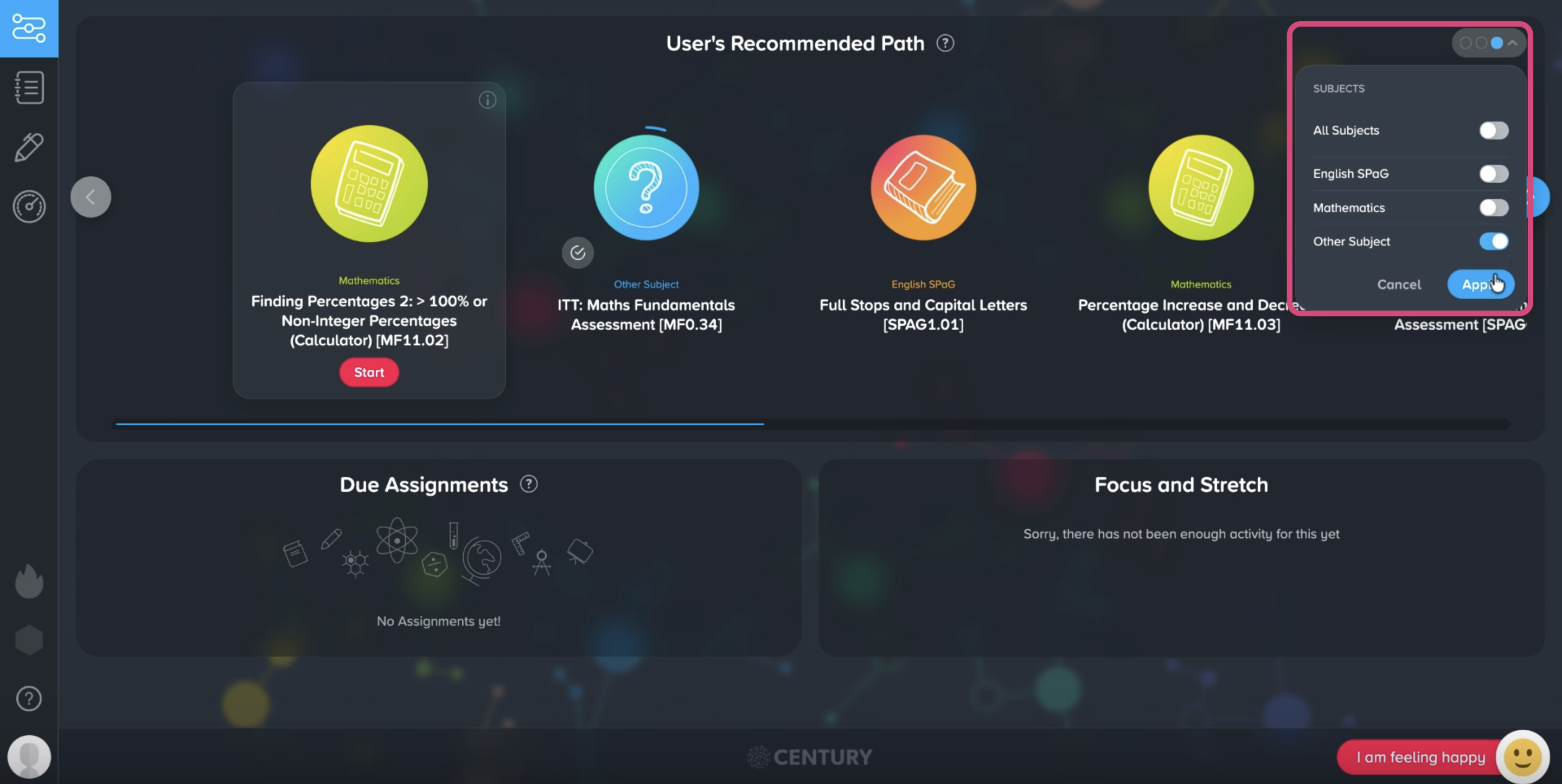
3. Click ‘Start’ to begin an assessment.
4. Read the assessment instructions, then click the arrow button to start.
Tip: You can pause and leave the assessment at any point, where you will be able to continue where you left off. You can also skip questions by clicking the ‘I don’t know’ button.
Once the assessment is completed, it will no longer appear on your Path unless it has been reset by your tutor.
Viewing Your Results
-
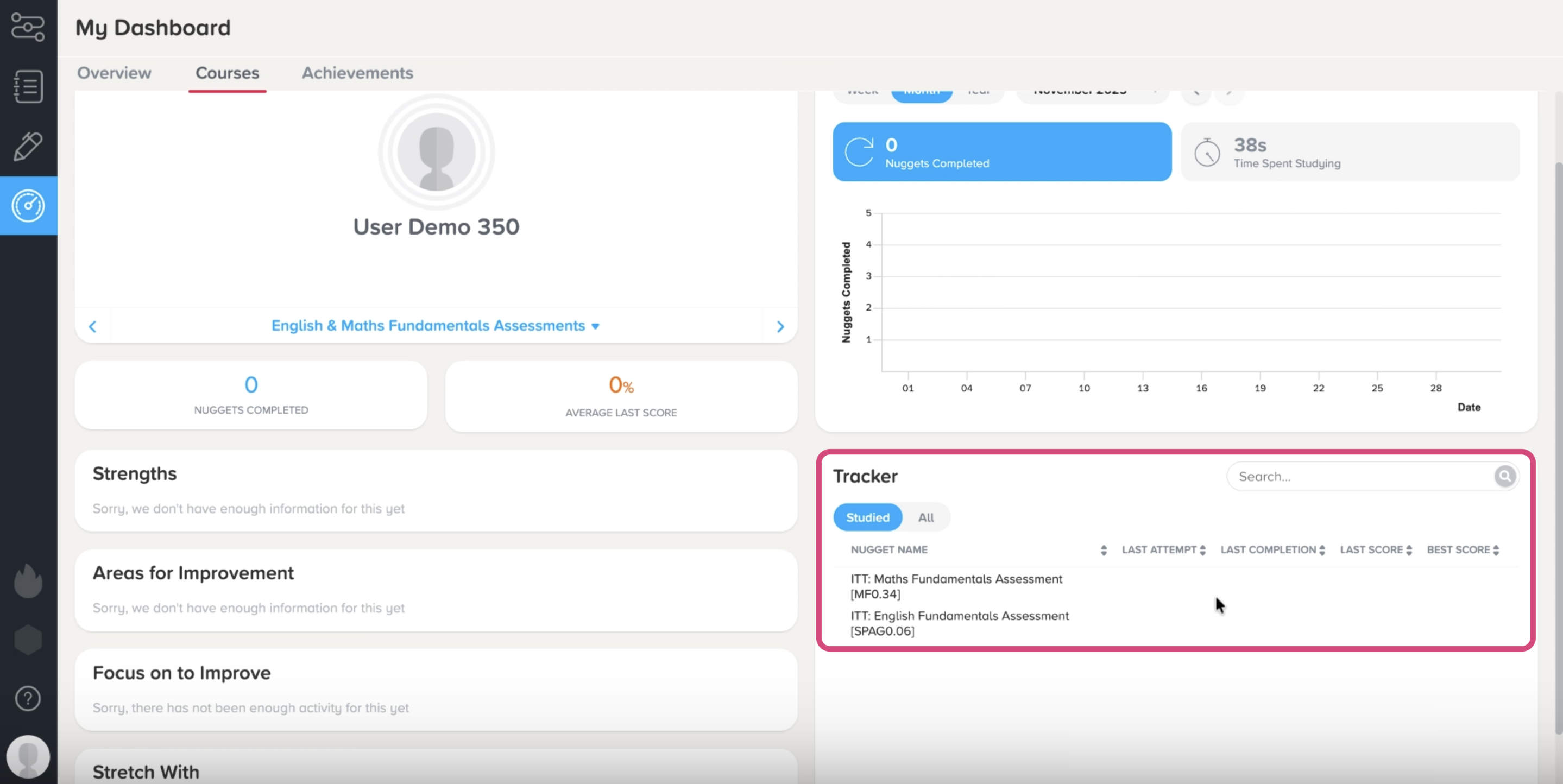
Go to My Dashboard, then select the Courses tab.
-
You can view your results in the Tracker section in the bottom right corner.
Studying After an Assessment
You can access a selection of learning nuggets for the Fundamentals course by going to your Path or by clicking on the My Courses tab.
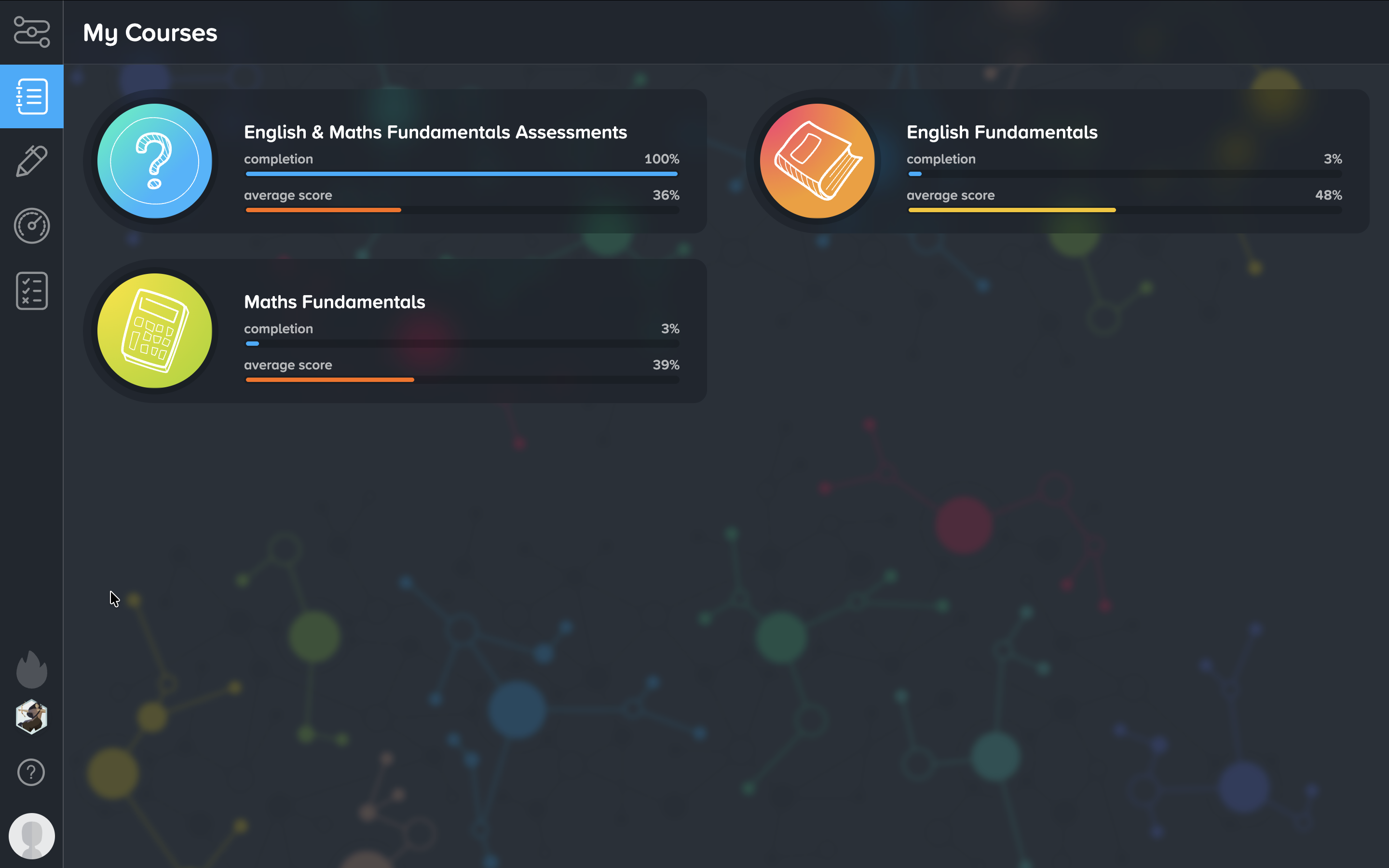
Note: You will only be able to access the full Fundamentals course if your ITT provider has enabled this.