A class code will enable learners to be onboarded to the platform on-the-spot in the classroom. This method is useful for mass onboarding your students onto CENTURY in class, and can be used whether they have an existing CENTURY account or not.
Learn more about our other methods of onboarding students to CENTURY here, including mass onboarding with CSVs or adding individual students.
TABLE OF CONTENTS
Using Class Code - process for staff
In order for your learners to use Class Code to get assigned to a class and access their work, staff will need to generate the code from within the platform.
To do this:
-
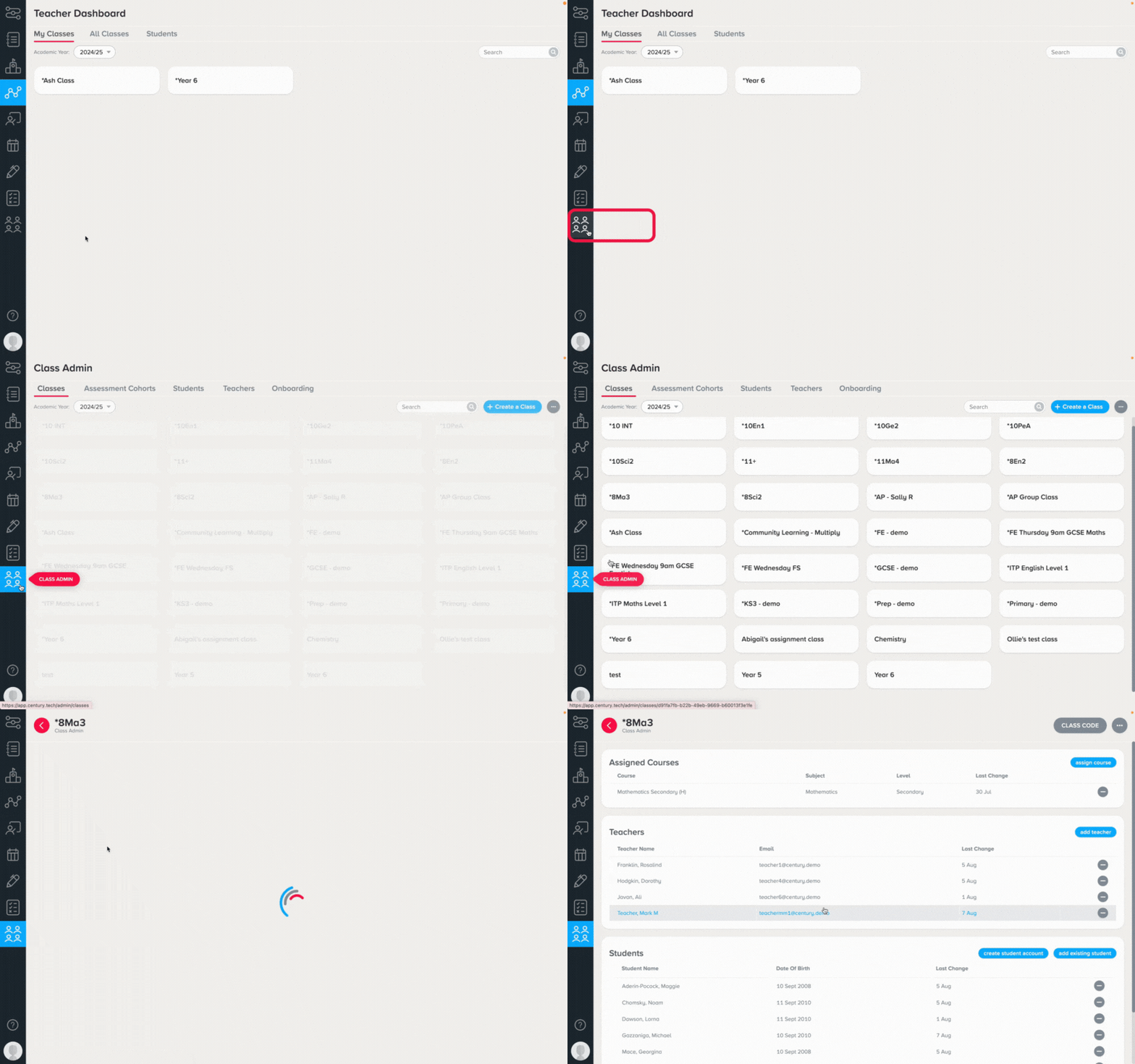
Go to Class Admin
-
Select your class
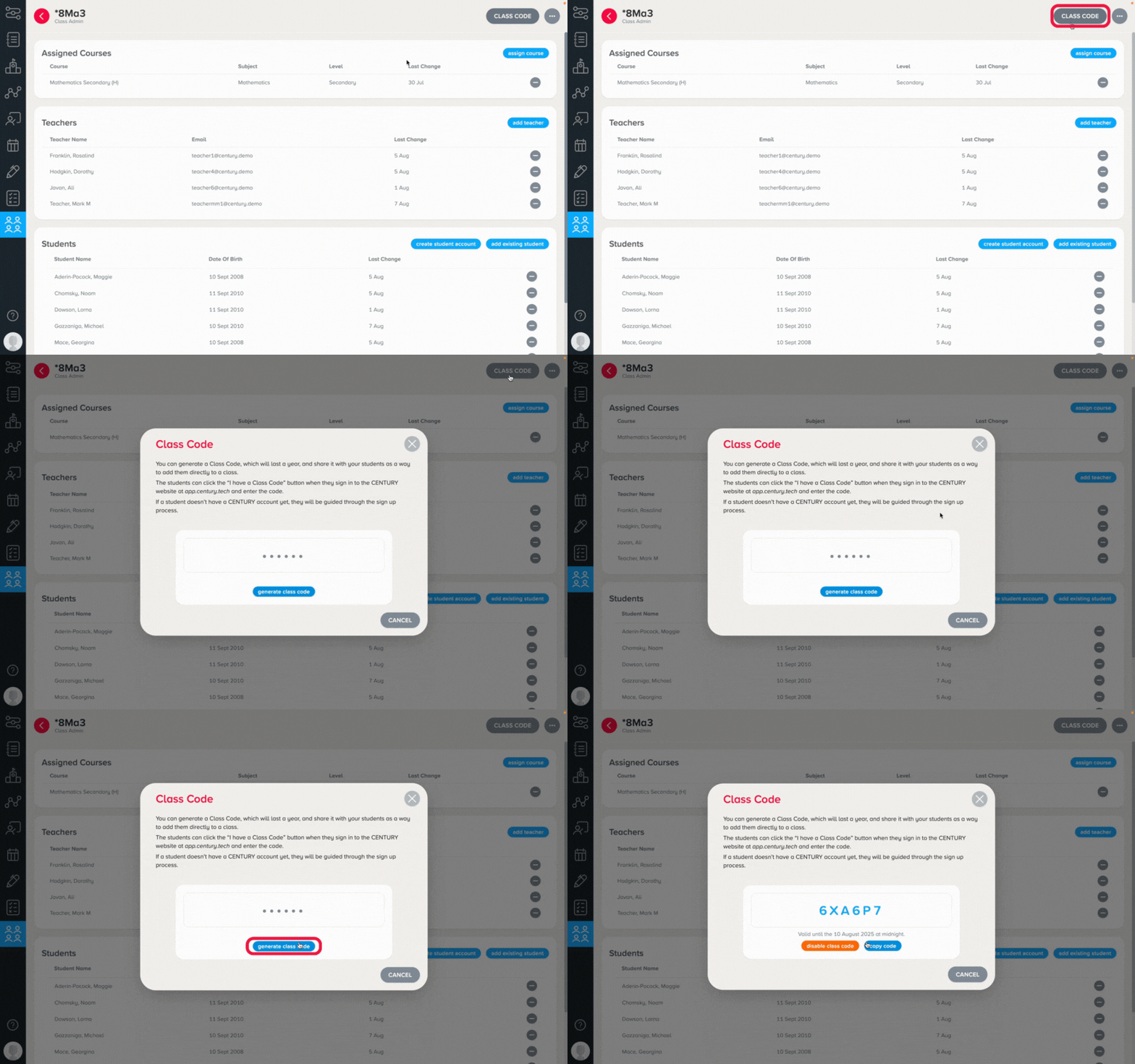
3. Click ‘Class Code’ in the top right corner - then ‘Generate class code’
4. Each class will have a unique code. This six-digit code will be required by learners to add them to the class and will need to be distributed by staff
Using Class Code - process for learners
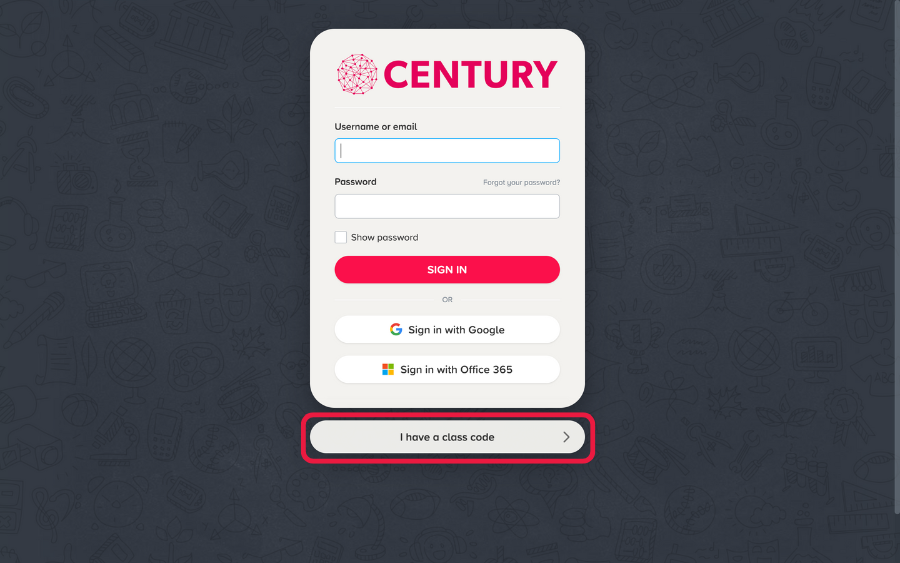
To access the class via class code, learners will need to go to app.century.tech, select ‘I have a class code’ and enter the code provided by staff.
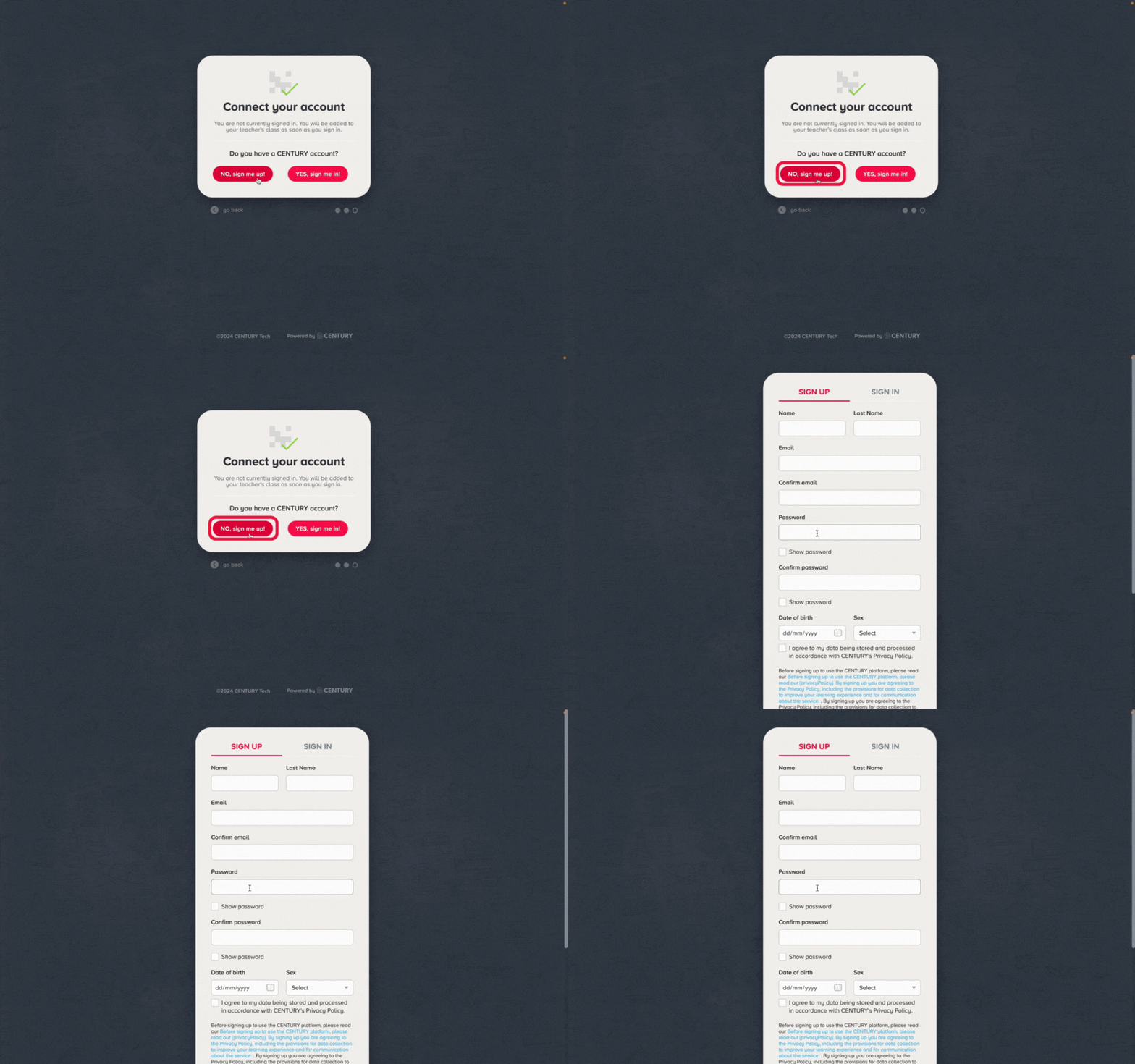
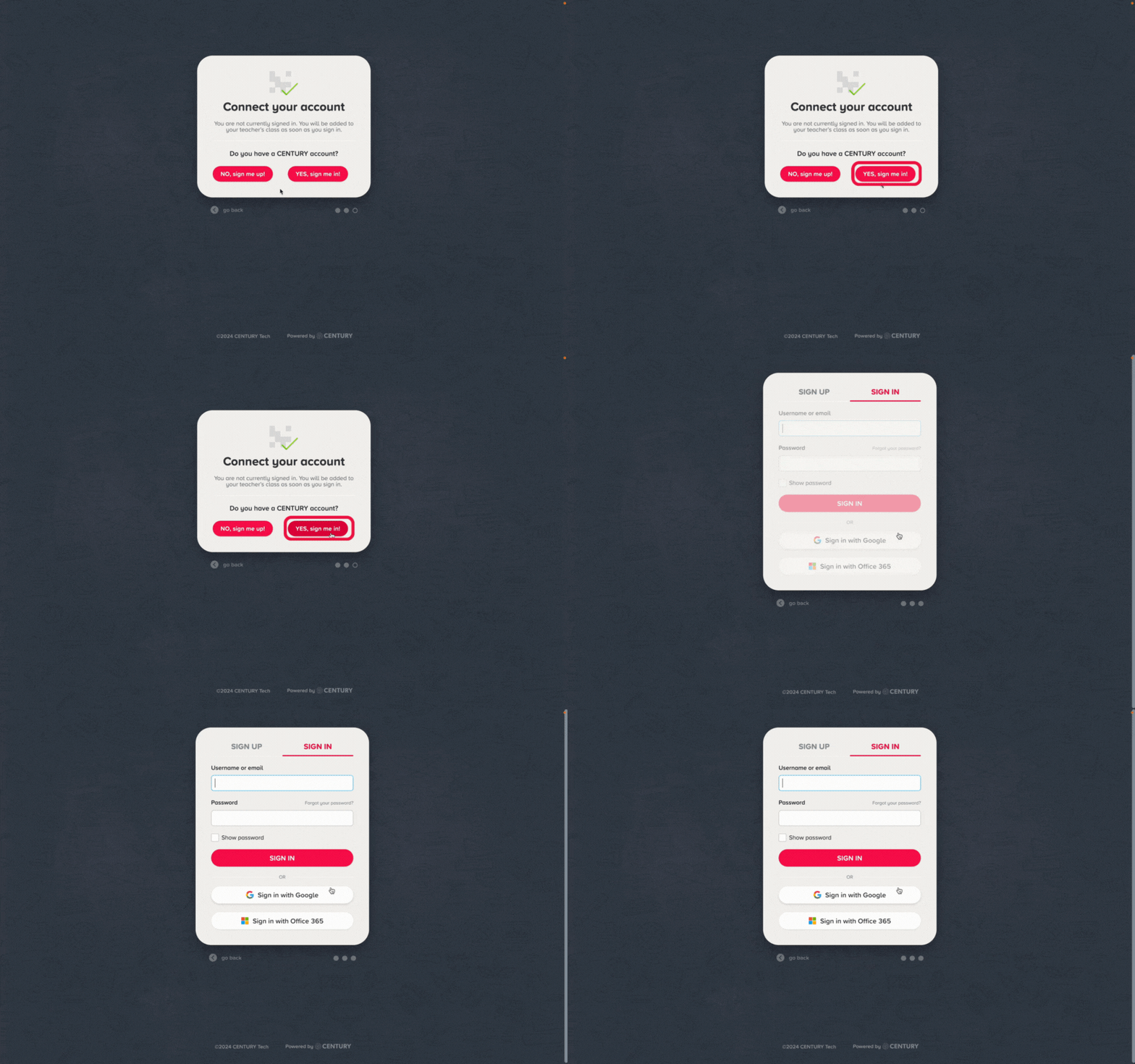
They will then need to choose ‘NO, sign me up!’ if they do not have a CENTURY account or ‘Yes, sign me in’ if they have one from a previous year.
Learners who already have an account and are using a class code can sign in using their username and password or single sign-on.
When learners are creating an account for the first time, they will be able to sign up to CENTURY by completing a simple form with their name, email, and password.
Whether logging in to an existing account or creating a new account, please ensure that the organisation email address is always used where available to prevent future account duplication.