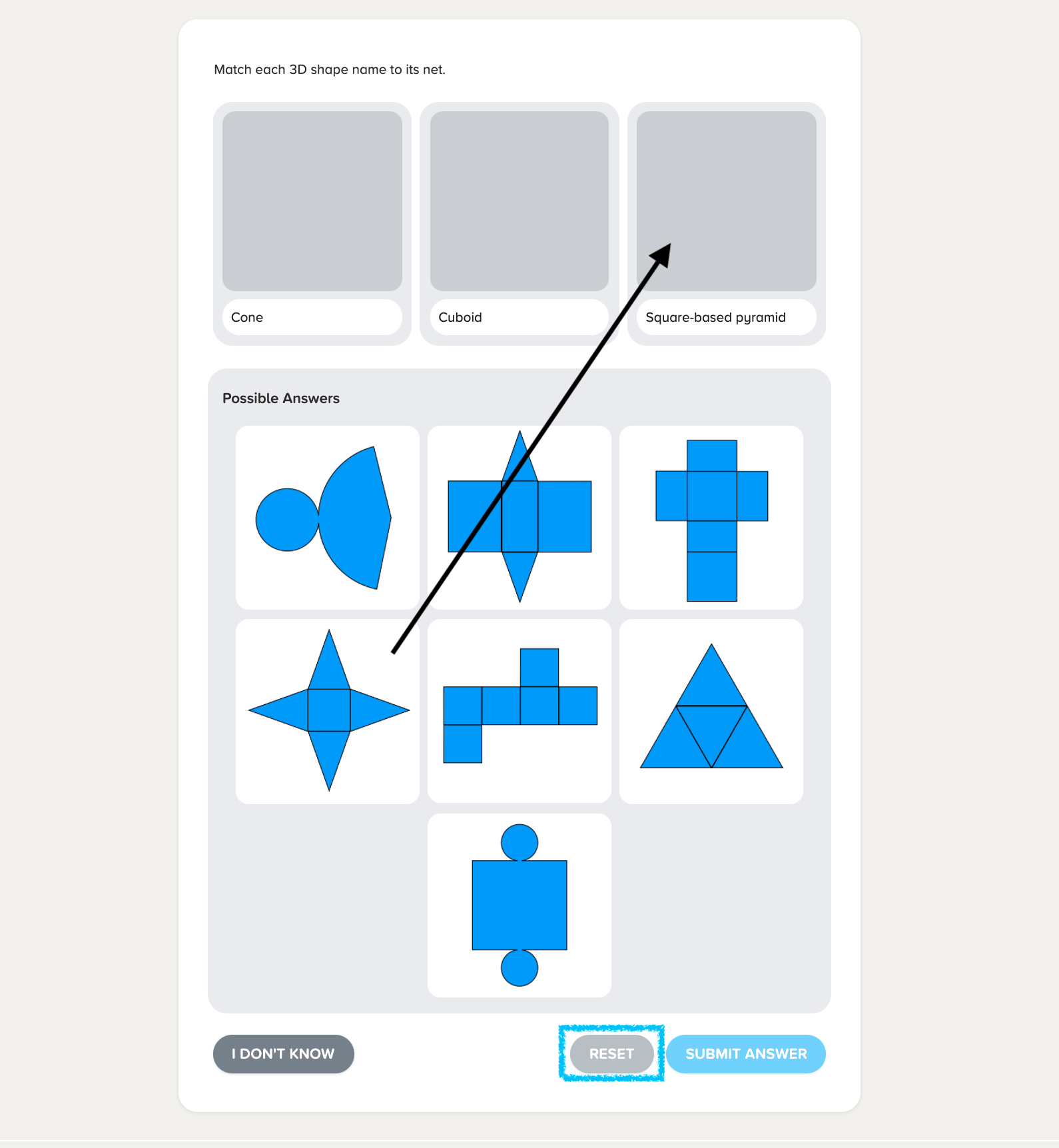
To answer drag and drop questions, simply tap and hold the answer you want to choose with your finger and drag it to the appropriate answer box.
Alternatively, you can also tap on the answer you want, and then tap the box you want to put the answer into. We recommend using this method on mobile phones.
If you want to start again, you can press the reset button at the bottom right of your screen.